How To Setup Competitions And Leaderboards
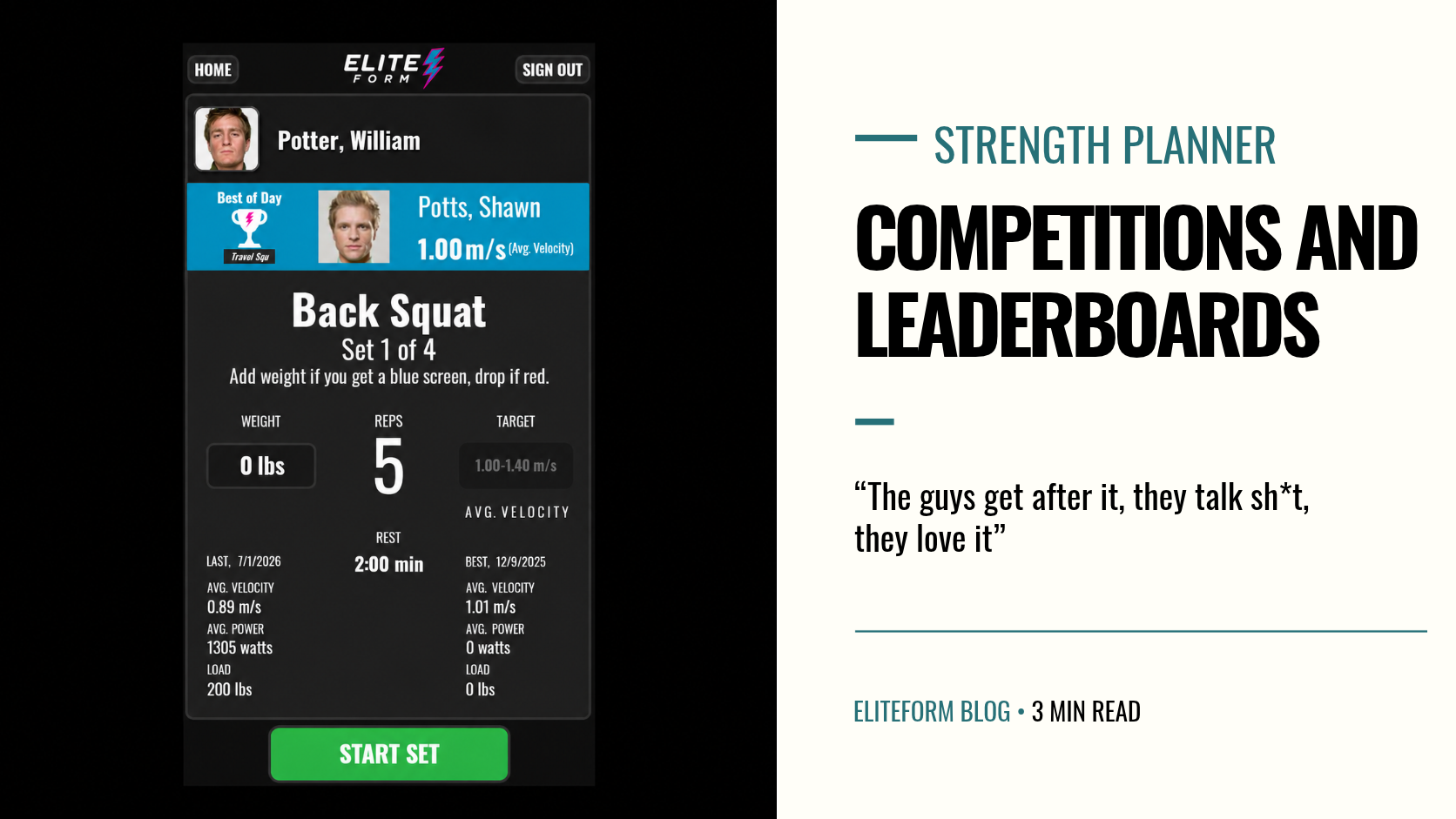
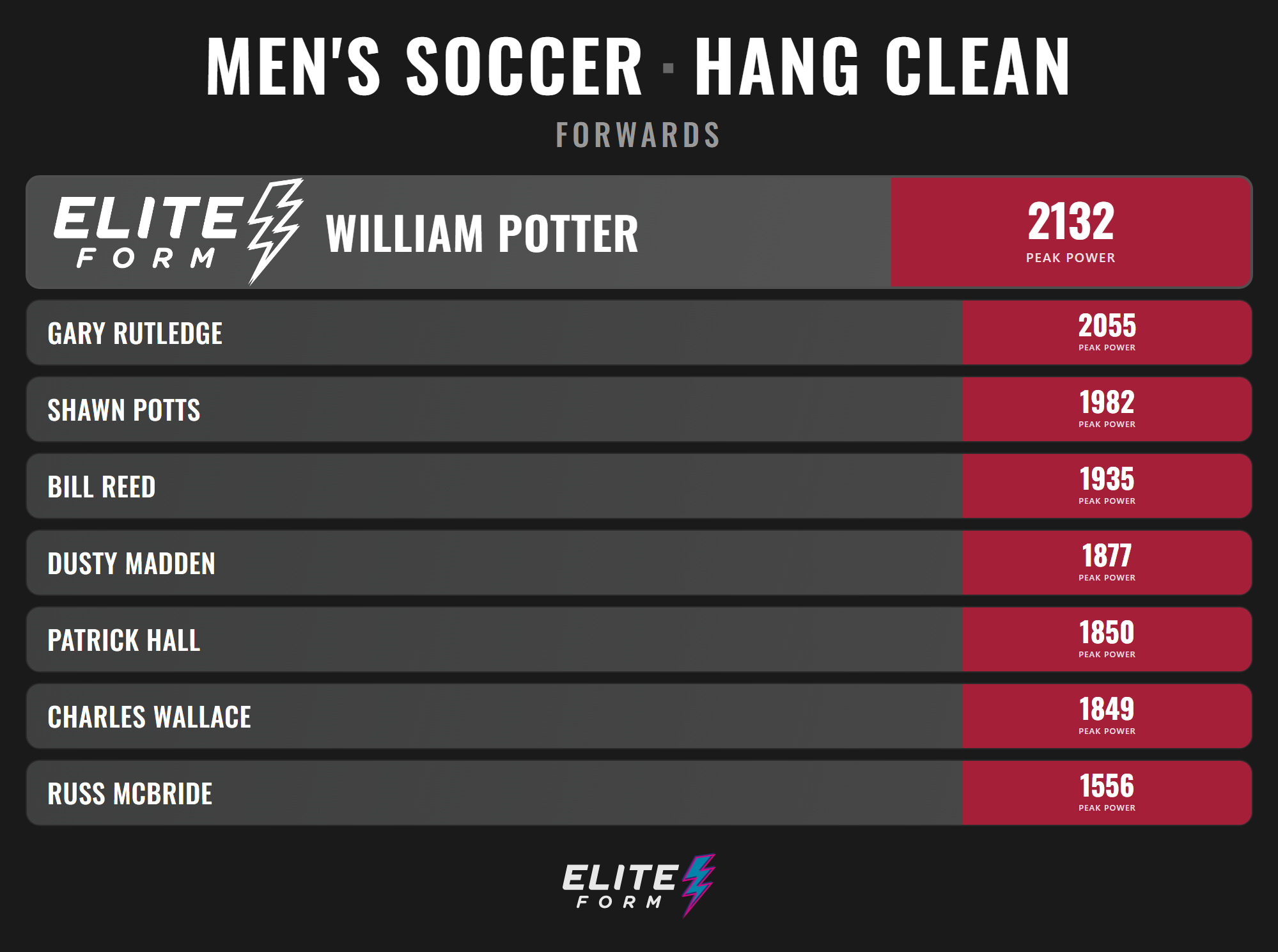
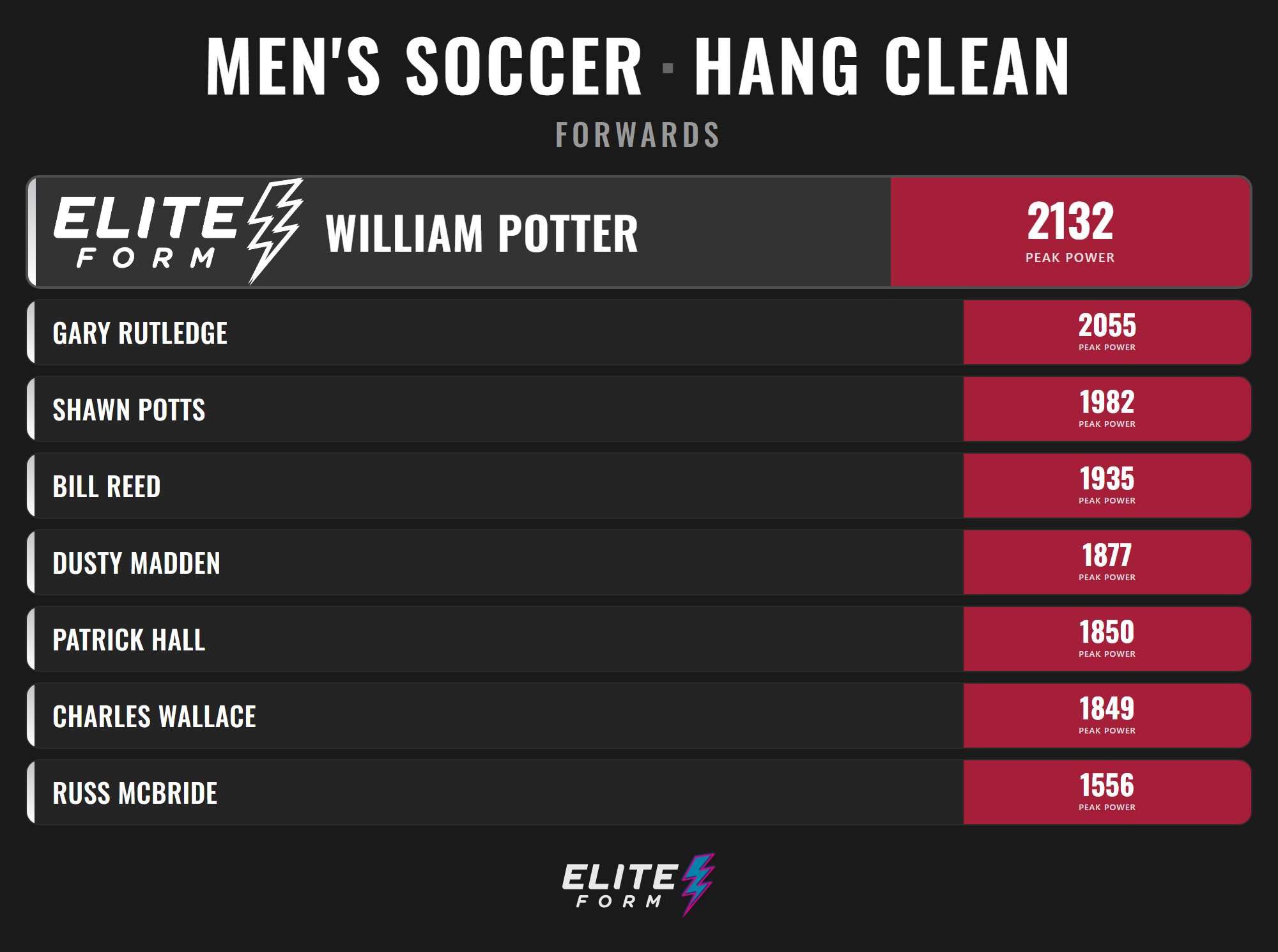
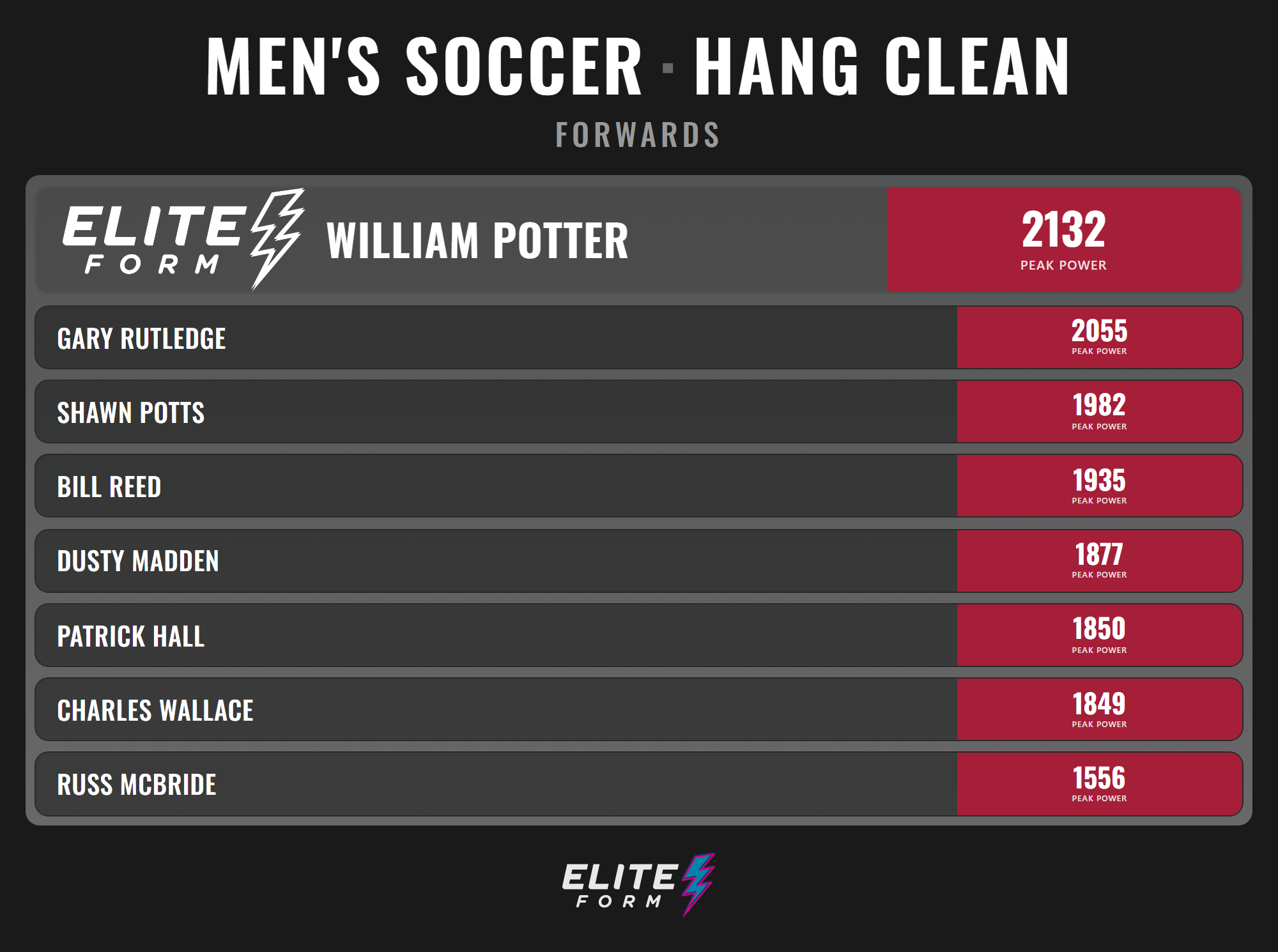
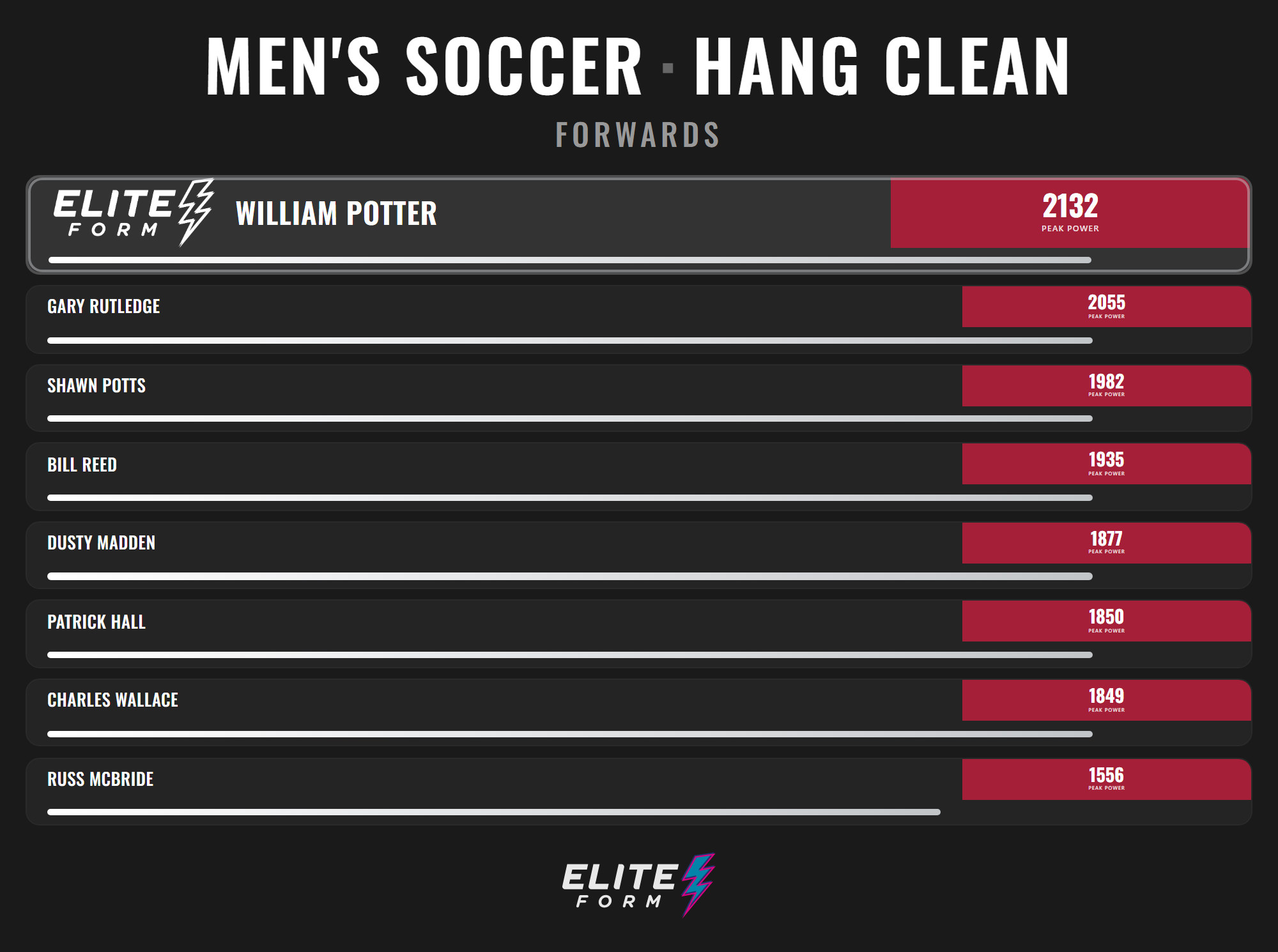
When competitions are enabled for an exercise, athletes can see competition banners during the session and gold screens when new records are achieved. Coaches can also display a live leaderboard in a browser, keeping the standings visible on a TV or monitor in the weight room.
Setting everything up involves three steps:
Create a competition group
Enable competitions for an exercise
Generate the leaderboard link
STEP 1: CREATE A COMPETITION GROUP
Competition groups determine which athletes will compete against one another.
To create one:
Open Team Setup in Strength Planner.
Select Competition Groups.
Select Add.
Enter a name for the group.
Select the new competition group and choose Manage Athletes.
Select the athletes you want to include and save your changes.
An athlete can belong to multiple competition groups, giving coaches the flexibility to create groups by team, position, training group or any other structure that fits the program.
STEP 2: ENABLE COMPETITIONS FOR THE EXERCISE
To turn them on:
Open the workout containing the exercise.
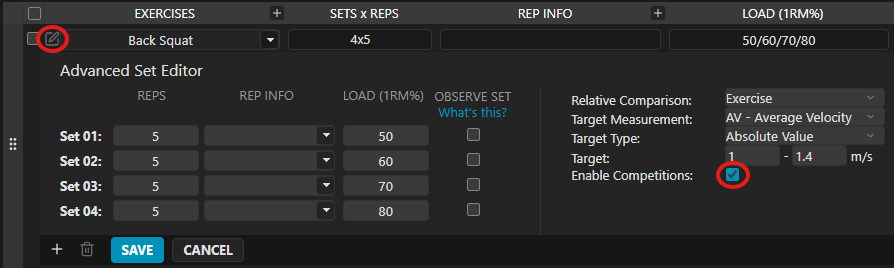
Select the pencil icon beside the exercise you want to use.
Check Enable Competitions.
Select Save.
The exercise will be highlighted in gold, giving coaches a clear visual confirmation that competitions are active.
Repeat this process for any additional exercises you want to include.
Once enabled, the PowerTracker display can show competition banners during the exercise and a gold screen when an athlete records a new best result.
STEP 3: CREATE THE LEADERBOARD
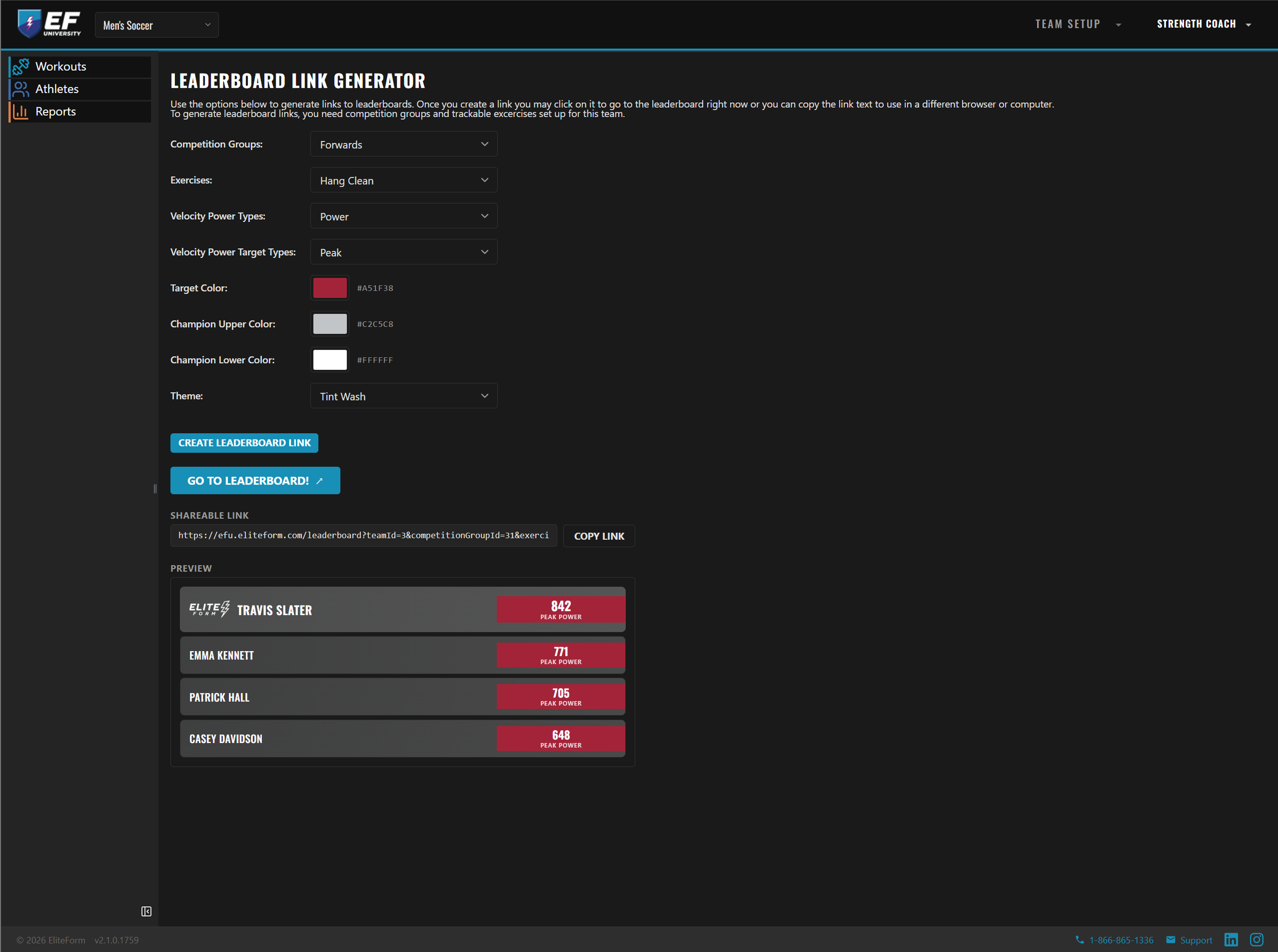
With the competition group created and the exercise enabled, you can build the leaderboard that will be displayed in the weight room.
Open the Leaderboard Link Generator under Team Setup in Strength Planner.
From there:
Select the competition group.
Choose the exercise.
Select the performance metric you want to rank.
Choose your organization’s colors.
Select a leaderboard style.
Review the live preview.
Select “Go to Leaderboard”
OR
Select Copy Link.
Open the generated link in a browser on the TV, monitor or device you want to use for the leaderboard.
READY FOR COMPETITION
Once the group is created, competitions are enabled and the leaderboard link is displayed, athletes can see the competition unfold in real time.